Covoit 26

Commuter carpooling

Share the ride, settle up to the cent.

Covoit26 records who drives and who rides, suggests whose turn it is, then works out every month who owes whom. No more shared spreadsheet.

Open the app Coming soon to Google Play
  • Free
  • No ads
  • No password
  • Phone and computer
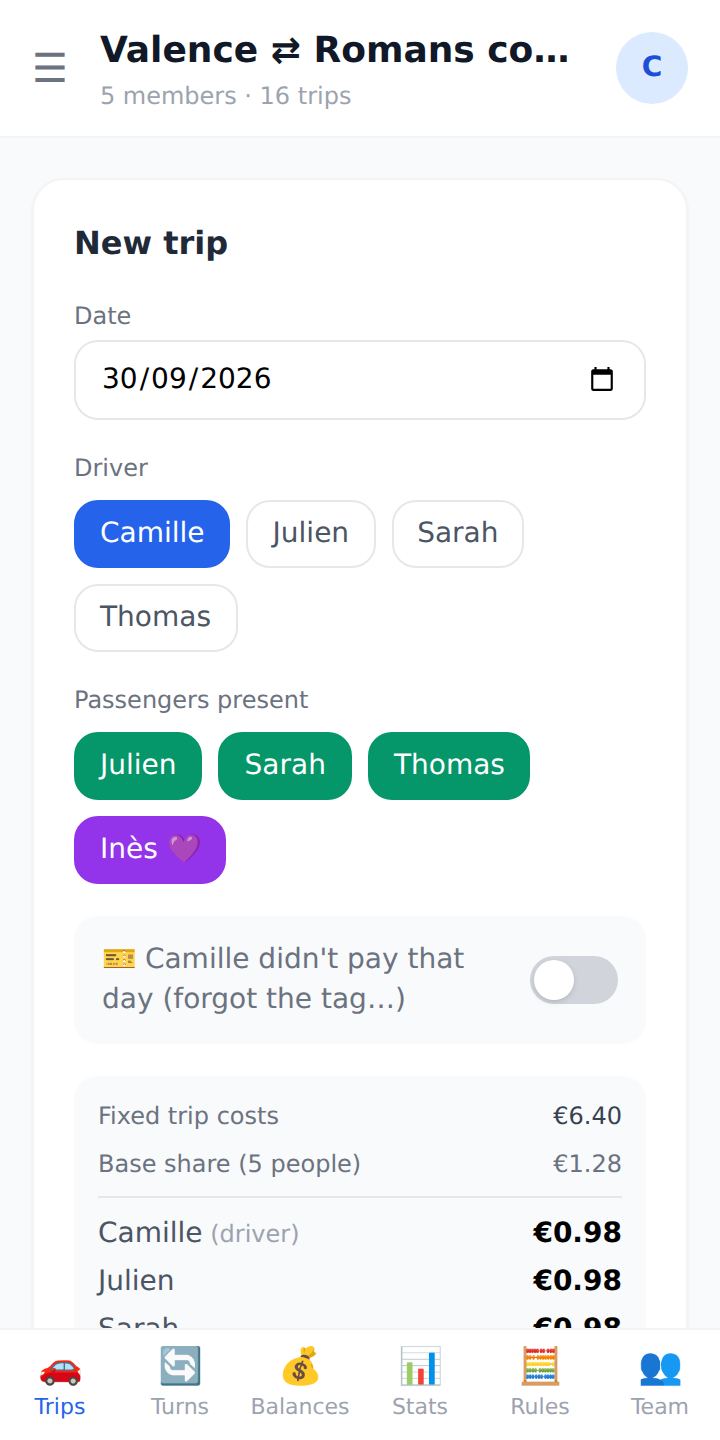
“New trip” screen: driver, passengers present and each person's share.
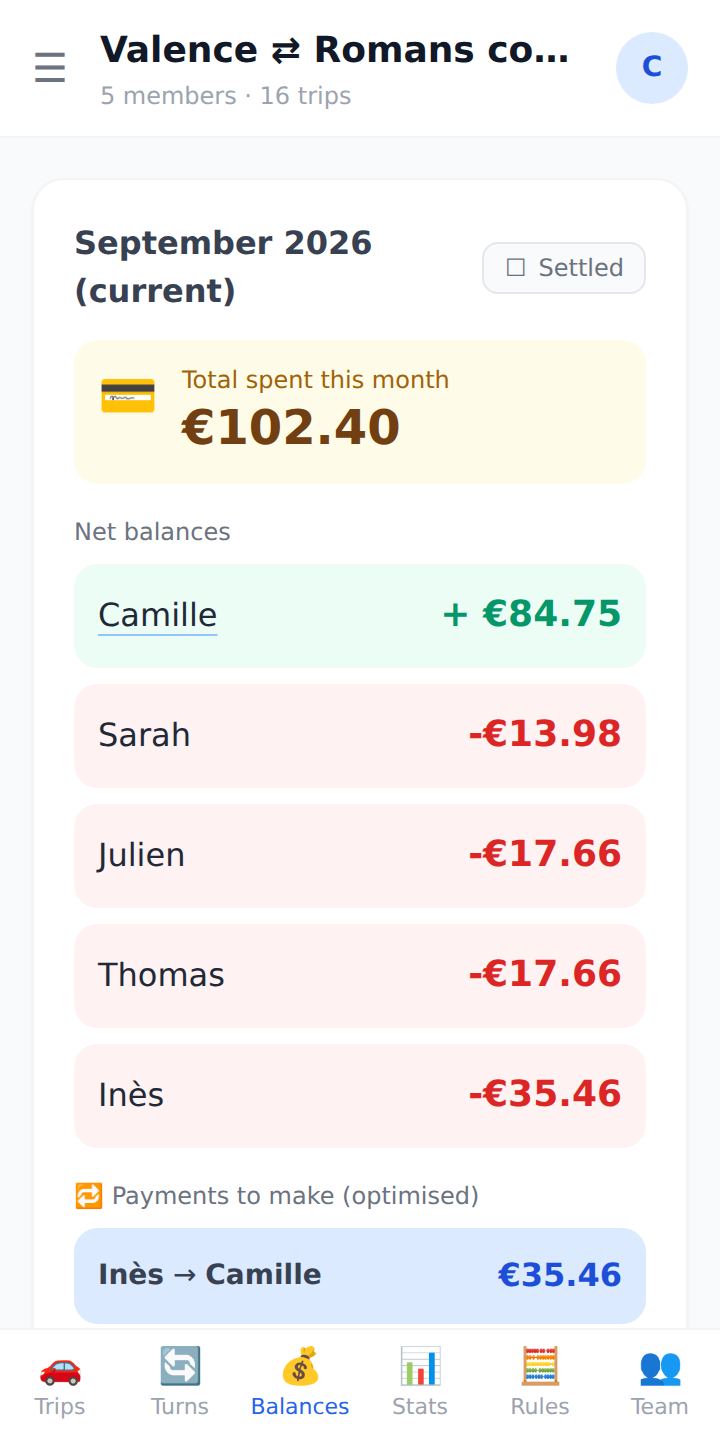
“Balances” screen for September: each member's net balance and the payment to make.

Three steps, then nothing left to calculate

Setting up the team takes two minutes. After that, two taps per trip.

  1. Create the team

    Your carpoolers' first names, who never drives, and how you split costs: taking turns, fuel per kilometre, tolls, a shared toll tag.

  2. Log the trips

    The app suggests whose turn it is to drive and shows everyone's share before saving. The whole team sees trips as they are logged.

  3. Settle up at month end

    Net balances per person and optimised payments: as few transfers as possible, for example Inès → Camille €35.46.

Built for real carpools

The ones where someone forgot the toll tag, a colleague doesn't drive, and the rules change halfway through the year.

  • Whose turn?

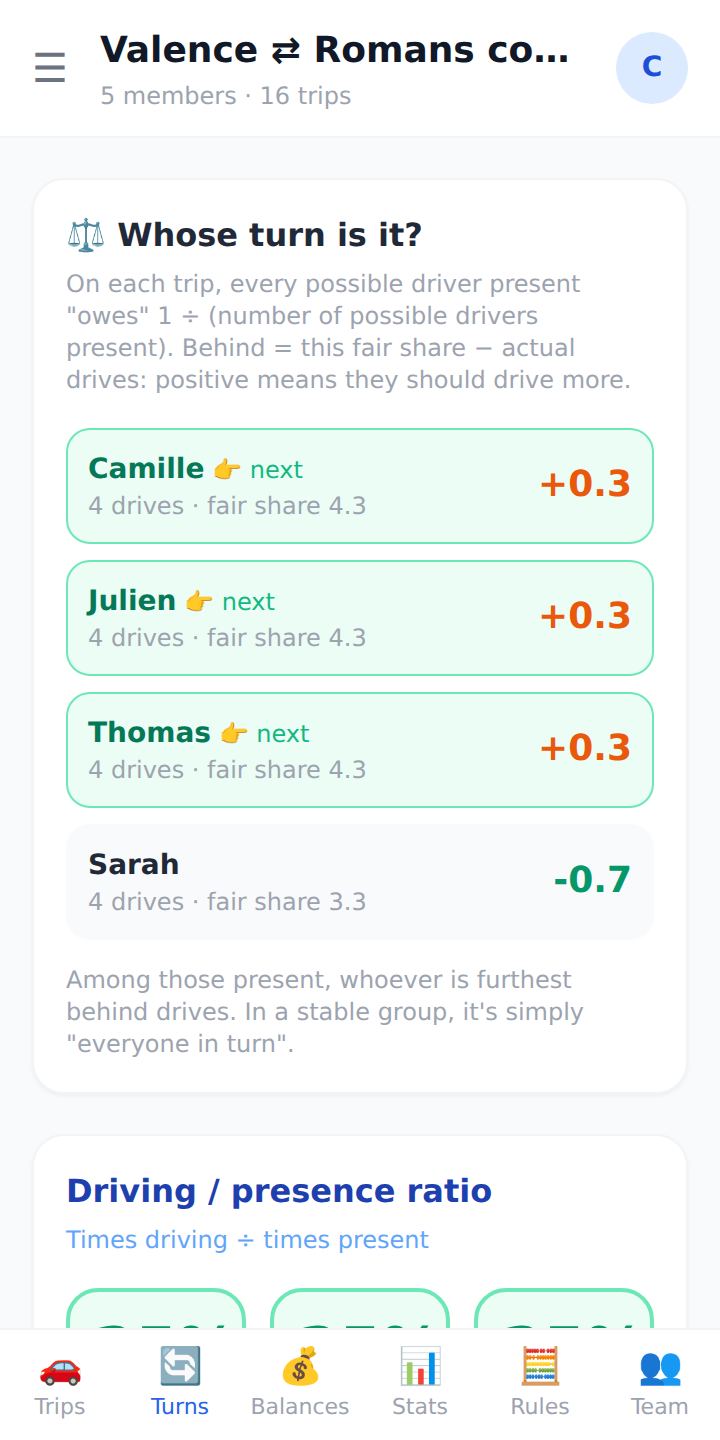
    Everyone's driving debt, worked out on the people present that day. No more car-park debates.

  • Your rules

    Taking turns, fuel sharing, flat rate, extra charge, toll-tag subscription, volume discount.

  • History respected

    Changing the rules never rewrites past months: you choose when they take effect.

  • The whole team

    One invitation link, and everyone claims their first name. Team managers keep control of the rules.

  • Offline

    Trips and balances stay readable without signal, at the far end of the car park.

  • English, français

    Everyone picks their language; CSV export of the month's accounts.

“Whose turn?” screen: each driver's driving debt.
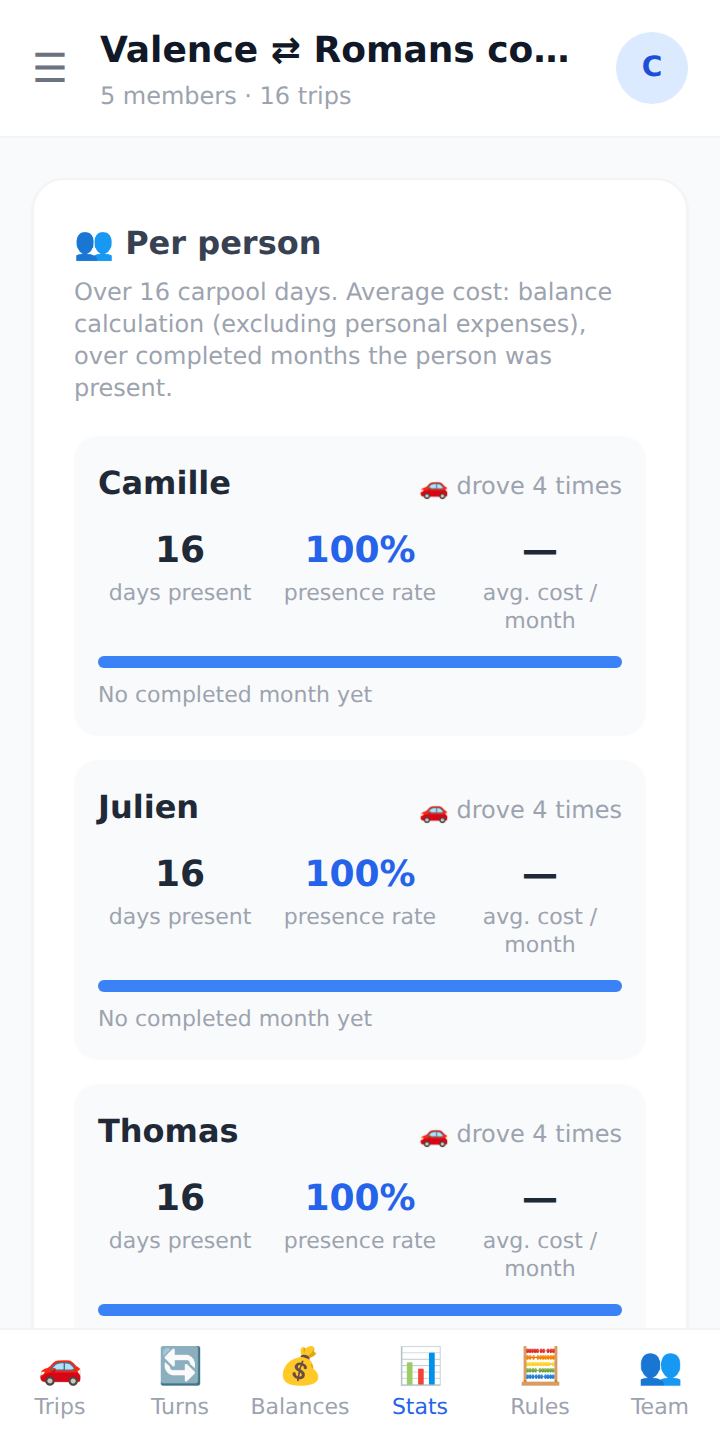
“Stats” screen: trips and costs per person.

For companies

Encourage your employees to carpool, and keep control of access

We open your company's space and appoint its administrator. Your IT team then verifies the domain name and manages the Covoit26 accounts of your work addresses. Without ever seeing what's inside the teams.

  • Verified domain

    A DNS TXT record proves the domain is yours. Several domains are possible.

  • Company sign-in

    Google Workspace or Microsoft Entra ID, optional or required for your domains.

  • Account management

    Account list, deactivation when someone leaves, ending sessions, audit log.

  • Privacy

    Trips, amounts and teams stay between carpoolers. Every employee knows their account is managed.

Open my company's space Write to contact@covoit26.eu

Already an administrator? Go to the company space

What's new

The app updates itself, on phones and computers alike: nothing to install.

2.1
  • Companies

    Company space

    Verify your domain name to manage your employees' accounts: deactivation, sessions, administrators, audit log.

  • Sign-in

    Continue with Google or Microsoft

    In addition to the emailed code. A company can require its Google Workspace or Microsoft sign-in.

  • Sign-in

    Stay signed in

    One year on each device, renewed on every visit. Signed-in devices are listed in My account.

  • Rules

    A trip logged late keeps the rules of its day

    After a rule change, the app offers to apply the rules in force on the trip's date. Previous months are never recalculated.

2.0
  • Rules

    When new rules take effect

    Next month, from tomorrow, from today or the whole current month: the team manager chooses.

  • Trips

    No accidental duplicates

    Confirmation before saving a second trip on the same date.

  • Teams

    One app for the whole team

    Password-free accounts, invitations, team managers, in English and French. The carpool app is now called Covoit26, at app.covoit26.eu.

Your data stays yours

  • Hosted in EuropeOn our own servers, with encrypted backups.
  • Zero adsNo trackers, no data resale.
  • No passwordA one-time code by email, or your Google or Microsoft account.
  • Export, deleteYour data in one file, your account deleted in one step.

Ready for the next trip?

Open the app